

A guide to monitoring the operational health and availability of platform services within the client environment of the Quepass platform. The Services Status section provides clients with real-time visibility into the availability and health status of core Quepass platform services. It serves as a centralized monitoring interface for tracking service uptime, health endpoints, and operational responsiveness across the platform ecosystem. The Services Status module can be accessed from the Client Dashboard sidebar under Audit & Monitoring → Status.Documentation Index
Fetch the complete documentation index at: https://docs.quepass.com/llms.txt
Use this file to discover all available pages before exploring further.
1. Services Status Interface
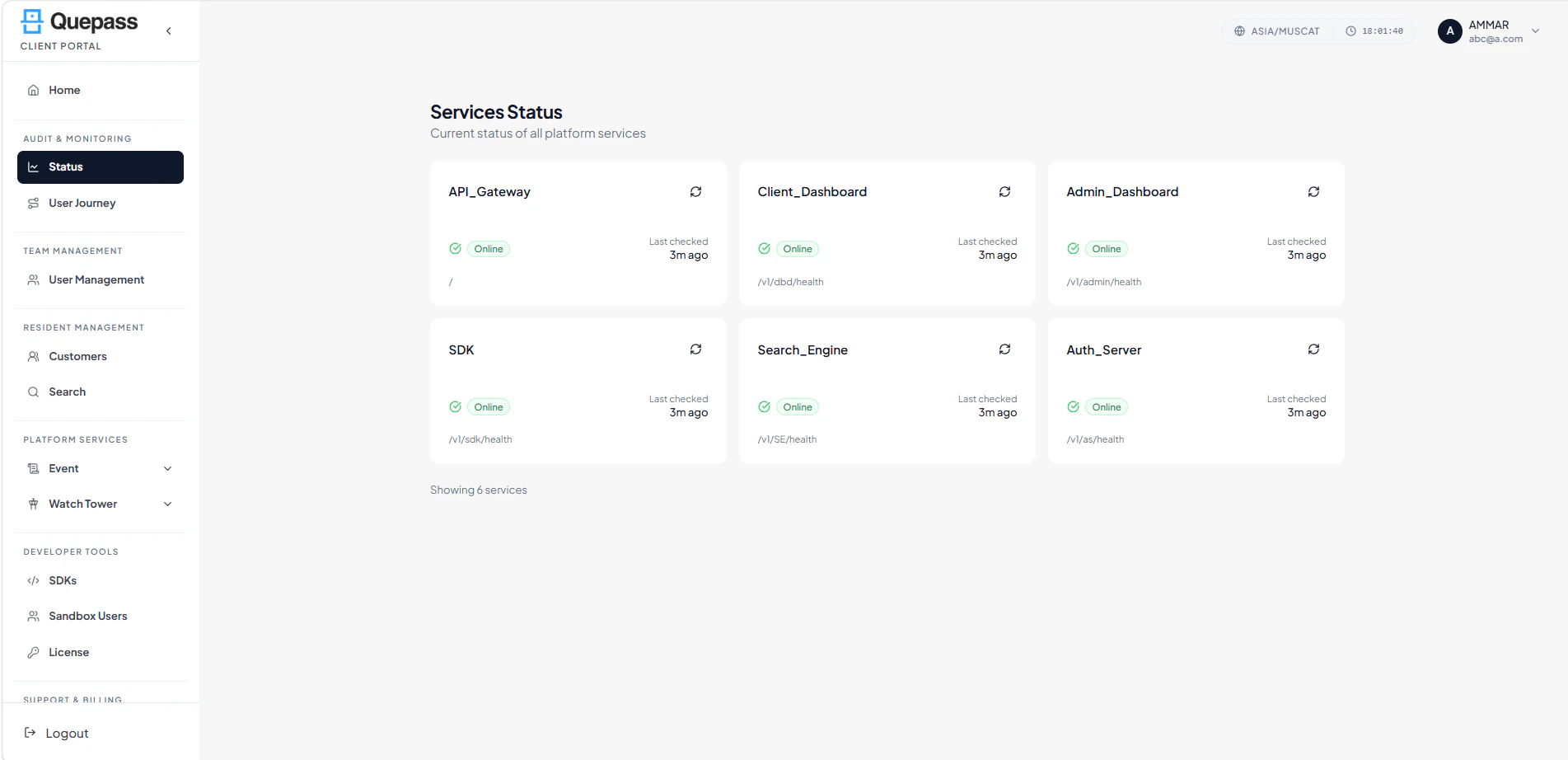
The Services Status interface is designed to help clients quickly monitor the operational state of all connected platform services. Services Status The layout includes:- Service status cards
- Real-time availability indicators
- Health endpoint visibility
- Last checked timestamps
- Manual refresh controls
2. Using the Services Status Module
The Services Status section enables clients to monitor service availability and review the operational health of critical platform components.Reviewing Service Health
Each service is displayed as an individual status card containing operational information and monitoring details. The service cards display: Service Name — Name of the platform service or component Status Indicator — Current operational state (e.g., Online) Health Endpoint — Service health check endpoint path Last Checked — Timestamp showing the most recent health verification Refresh Option — Manual refresh control for updating service status Service Health Overview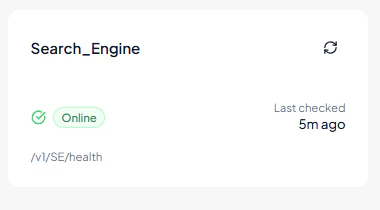
Monitoring Platform Services
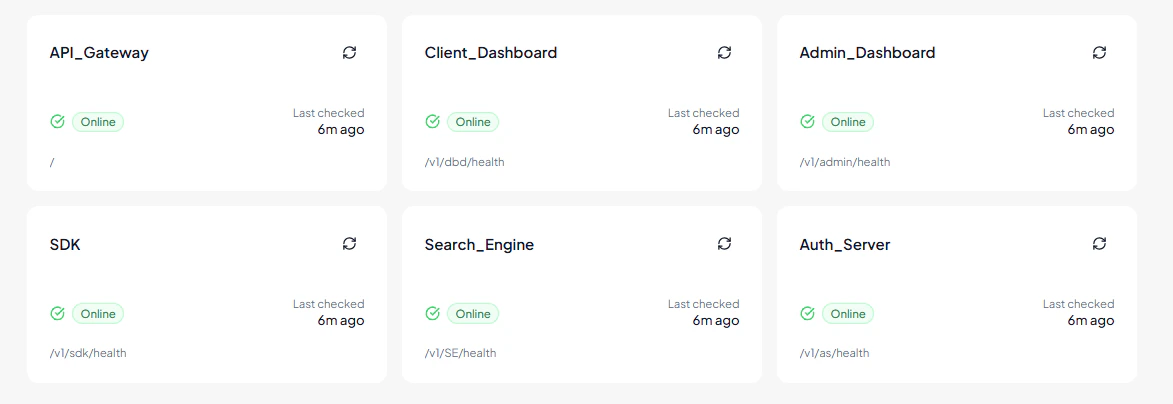
The Services Status module may include monitoring for services such as:Example
- API Gateway
- Client Dashboard
- Admin Dashboard
- SDK Services
- Search Engine
- Authentication Server
Refreshing Service Status
Each service card includes a Refresh option that allows administrators to manually update the displayed health status. Refreshing a service status performs a new health verification check and updates:- Current service availability
- Latest operational timestamp
- Health endpoint response

3. Operational Use Cases
The Services Status module is commonly used for:- Monitoring platform service availability
- Verifying API responsiveness
- Tracking system uptime
- Identifying service outages
- Monitoring authentication services
- Reviewing dashboard operational status
- Supporting operational troubleshooting